Fit the model to the moment
Use a fast model for a quick pass, a stronger reasoning model for a difficult decision, or a different provider when its strengths better match the work.
 ToyoRequest access
 Checking your session and preparing the requested page.
ToyoRequest access Pick a supported leading model from the same Toyo composer while the workspace, open files, task state, and visible tool trail stay in place.
Switch among supported models and reasoning levels without rebuilding the workspace.
The picker lives in the composer, while the deeper settings surface decides which chat and media models belong in that menu.
Use a fast model for a quick pass, a stronger reasoning model for a difficult decision, or a different provider when its strengths better match the work.
The conversation stays connected to the selected workspace, open buffers, browser state, and tracked task instead of starting from an empty chat.
Supported models are presented through Toyo's managed inference experience, so model choice remains a workflow control rather than a setup project.
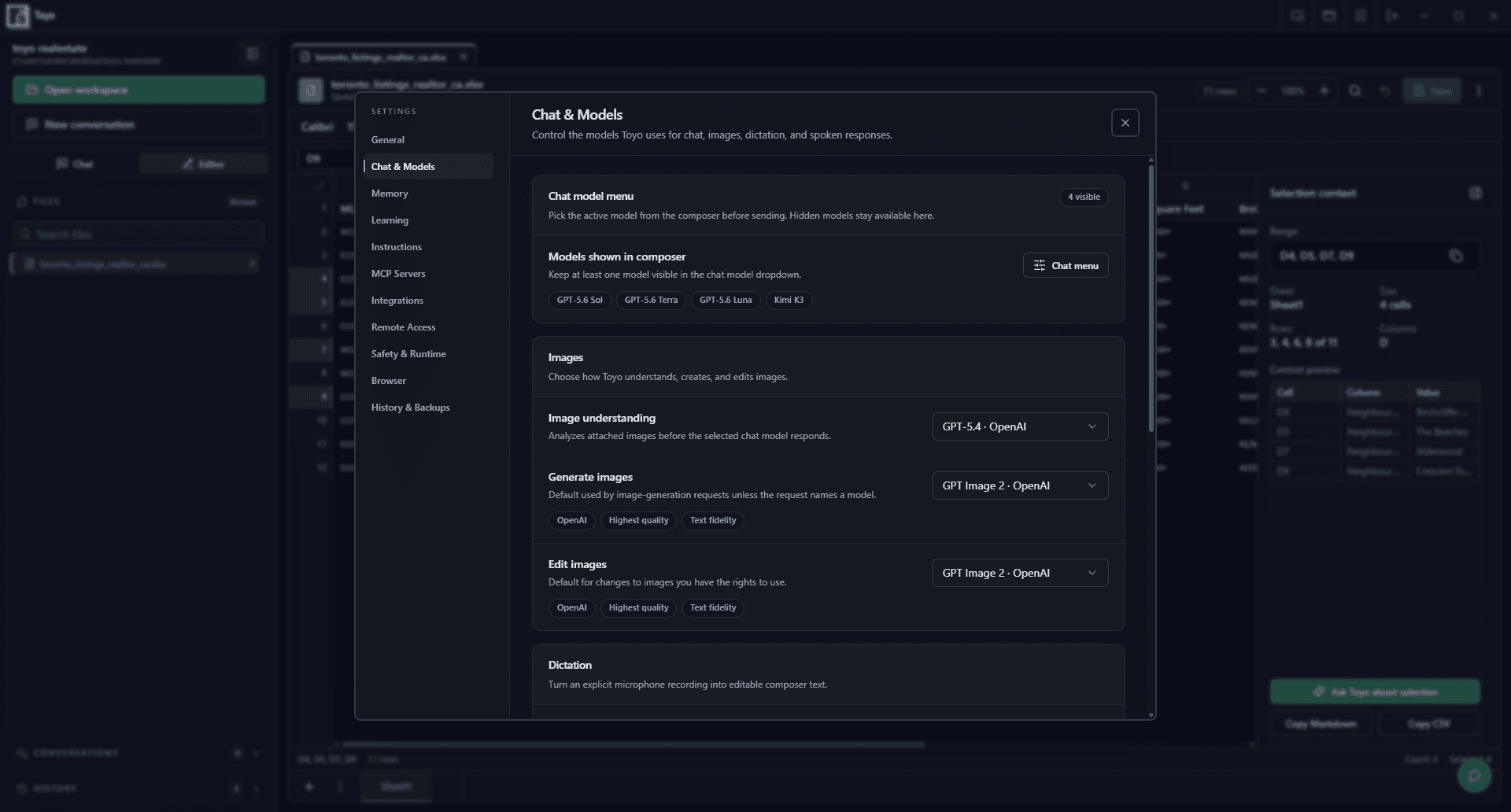
Model switching is designed to be a small decision inside the work, not a migration between separate assistants.
Open the model picker and select from the models available to your Toyo account and current plan.
Adjust reasoning effort where the selected model supports it, matching the cost and speed of the turn to the problem.
Ask the next question or continue the approved plan with the workspace and visible history still attached.