Context from the folder
Toyo indexes supported files and can use the active file, selected cells, pinned items, and open buffers to understand what the request refers to.
 ToyoRequest access
 Checking your session and preparing the requested page.
ToyoRequest access Select a local folder and Toyo keeps its files, open buffers, pinned references, task state, and generated outputs close to the conversation.
Keep files, open buffers, references, task context, and outputs together inside a selected folder.
This capture uses a clean local project opened in the current desktop build. The file tree, open buffers, and file-aware composer all point at the same selected folder.
Toyo indexes supported files and can use the active file, selected cells, pinned items, and open buffers to understand what the request refers to.
Compare inputs, pull facts from several sources, and save a finished report or export without turning every step into manual copy and paste.
Created documents, cleaned workbooks, images, charts, and other artifacts can be saved back beside the source material.
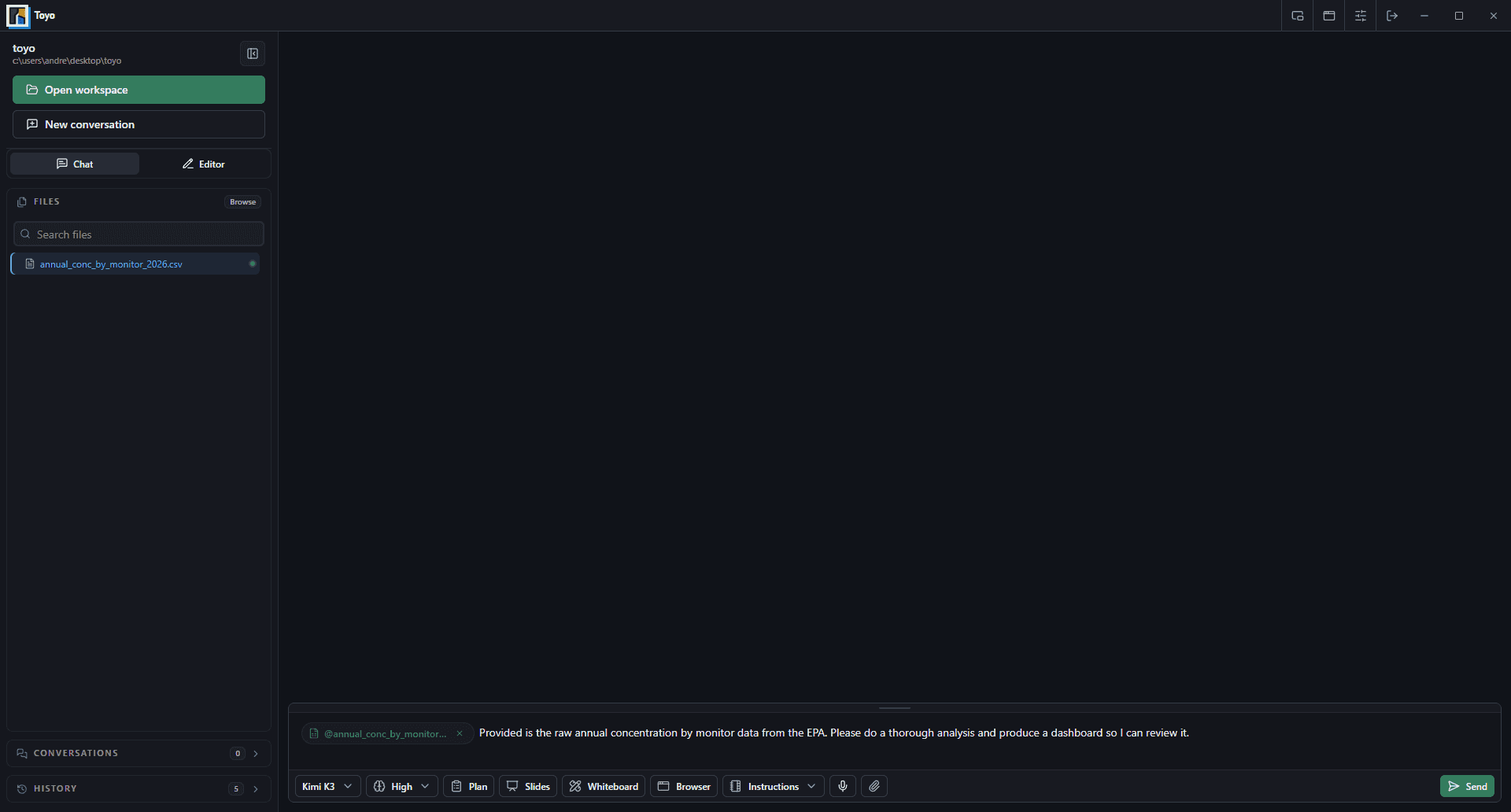
The selected folder becomes the shared desk for the person, the agent, and the artifacts they produce together.
Use the native folder picker to choose the workspace that contains the files for the job.
Browse the indexed tree, open files, select spreadsheet ranges, or pin references that should stay prominent.
Watch edits and outputs appear in the workspace, then save or approve the changes that should remain.