Review at the moment of action
The decision appears when Toyo knows the specific operation, target, and reason, rather than asking for blanket permission at setup.
 ToyoRequest access
 Risky file, browser, memory, connected-account, and sandbox change-set actions can surface explicit approval cards before execution.
Decide when Toyo may act automatically and when a specific operation must wait for review.
Agent, Research, and Chat establish the available capability surface. Auto-execution is a separate, clearly marked choice, while guarded browser submissions still keep explicit approvals.
The decision appears when Toyo knows the specific operation, target, and reason, rather than asking for blanket permission at setup.
Approval cards make the pending action visible and give the user a direct choice before the guarded operation proceeds.
The same control model extends to sensitive browser steps, memory suggestions, external Google writes, and sandbox synchronization.
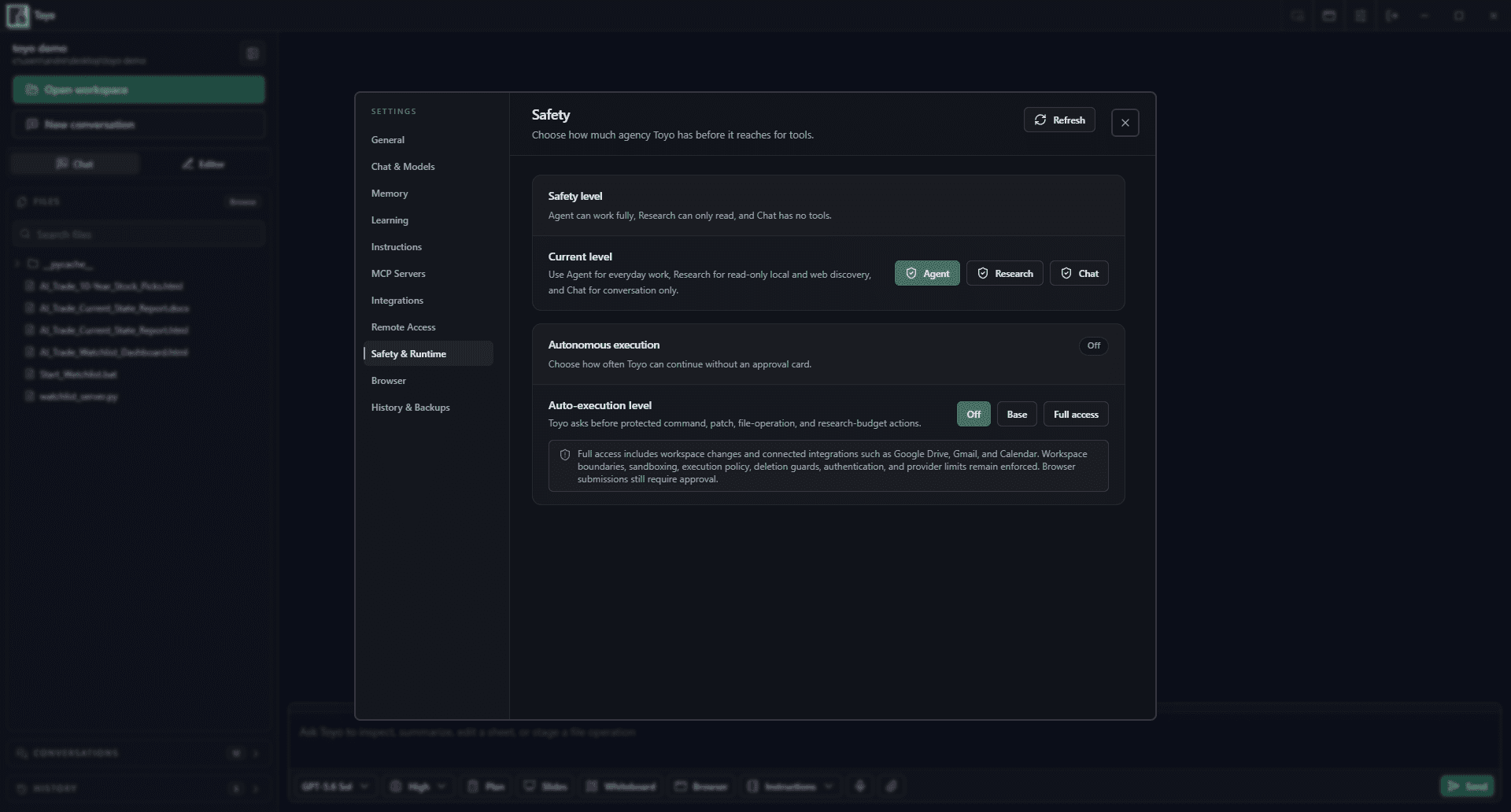
Approval controls keep routine reading and analysis moving while reserving a deliberate pause for higher-impact operations.
The agent reaches a step that requires a protected mutation or sensitive interaction.
Inspect what will happen, where it will happen, and which workflow requested it.
Approve the operation to continue or reject it while keeping the surrounding task visible.